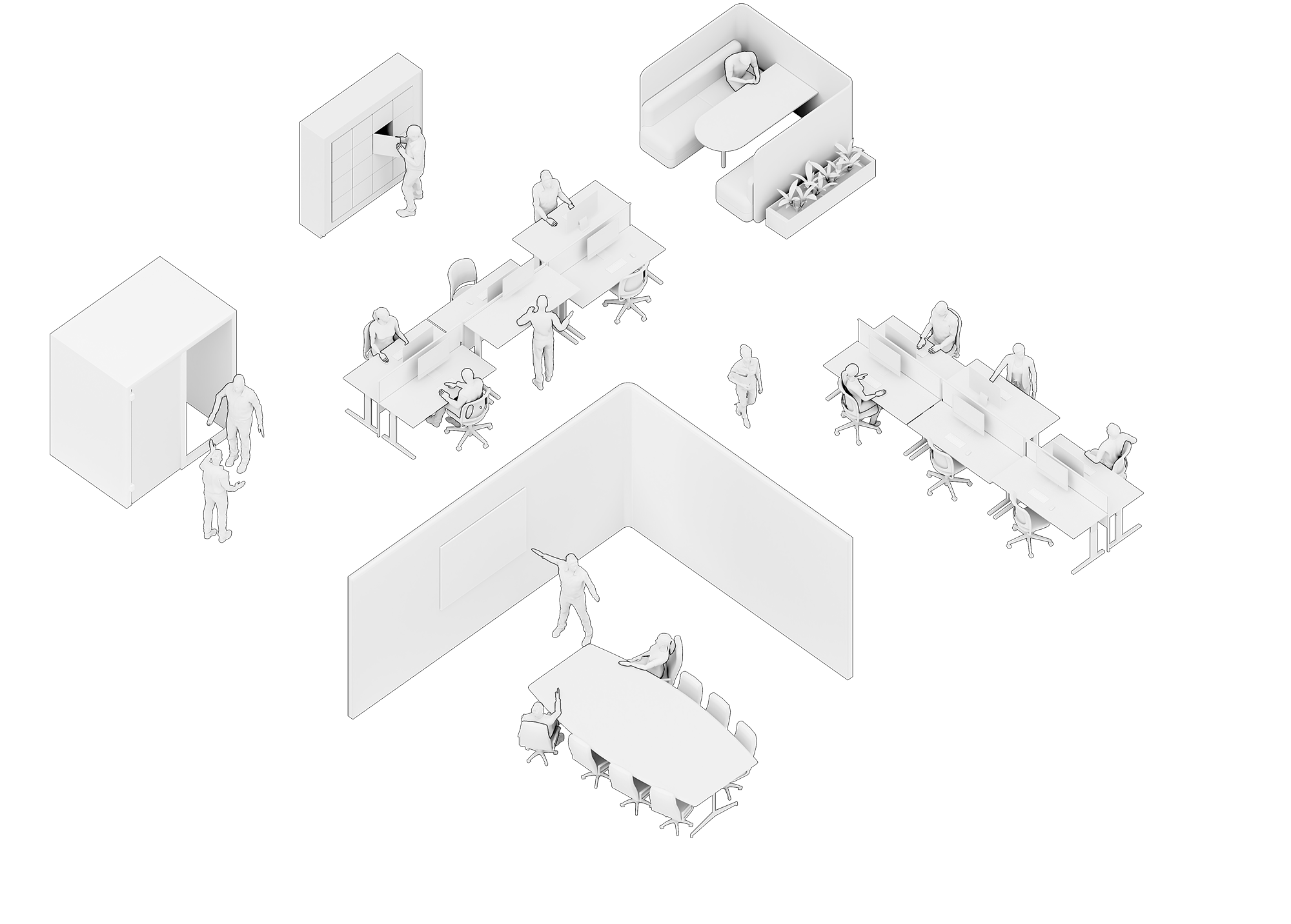
Combining intelligent desk hardware with powerful software and reporting - floorsense provides users with a frictionless way to find and reserve a workspace while enabling property teams and facilities management to clearly understand how the workplace is actually being used.
Gain complete visibility into your agile workplace - both realtime and historical. floorsense provides a complete solution which is both simple to implement and cost effective. No IT project required.
Key Features
The full floorsense solution comprises occupancy sensing, workspace reservation and powerful reporting in one - a top of desk puck (floorsight) allows users to reserve their workspace using either their existing building access card or by simply placing their smartphone on the table. An under-desk sensor (floorsense) accurately detects real time actual occupancy of workspaces and our simple yet powerful web based dashboard keeps track of who is where and when, as well as providing detailed reports.
The 3 parts integrate cost effectively, securely and without any large IT project and no monthly subscription fees. Get floorplan heatmaps, locate users, gather detailed analytics and reporting right now, with setup times as little as two weeks. Watch the 2 minute overview video.
Desk Reservation
The floorsight puck sits flush with the work top, or optionally can be fully embedded (hidden) in the desk. floorsight combines a swipe card reader, bluetooth beacon, mobile phone charger (wireless and wired), desk-in-use indicator light and an audio speaker all into a single package. floorsight lets users check-in to a workspace with the least effort possible using their existing building card or smartphone, and once signed in they become visible to other users on the floorplan
Occupancy Sensing
The under-desk floorsense PIR sensor intelligently identifies whether a workspace is actually occupied (irrespective of its reserved state). Advanced algorithms avoid false positives caused by transient events meaning accurate occupancy over time is tracked and can be reported on
Because floorsense knows if a user is present it tells the floorsight module, which can optionally prompt user to check-in to the workspace if not currently reserved.
Real-time and Historic Analytics
The floorsense web dashboard provides both users and administrators with a rich floorplan view of the workplace. Users can easily identify free work points or lookup where colleagues are located while administrators obtain great insights into utilisation of space via visual heatmaps and excel downloadable reports.
The intuitive and simple dashboard interface allows for common operational tasks (pre-booking space, finding users) to be completed in 2-3 clicks, while also providing the tools needed to plan a full building restack.
floorsense
Occupancy Sensors
Used on its own or in addition to the floorsight puck, the floorsense occupancy sensor attaches neatly under existing desks or can be directly integrated into new desk furniture. floorsense silently monitors the realtime utilisation of the space and reports back to the central controller via long range floorsense IOT radio.
Occupancy data is mapped to realtime and historic floorplans, allowing Facilities managers to know what space is used, is it at capacity and which areas are or are not working well for users.
Intelligent Detection
Accurate occupancy status is critical to meaningful reports. The floorsense sensor has multiple methods to determine whether a desk is actually being used, and also when it ceases to be used. The AI auto-tuned algorithm works out of the box but can be further fine tuned to support highly reflective floors such as polished concrete, high traffic corridors beside stand up desks and other layout types that typically confuse other sensors
Sitdown or Stand Up
The floorsense occupancy sensor fits under the desk or meeting table and works both at seated or standing heights. In addition to desks, floorsense offers solutions for small breakout tables, collaborative tables, meeting rooms and even soft seating.
We work with leading furniture providers to provide seamless integration into the most popular workstations and office furniture.
Easy Setup
floorsense commissioning can be done by furniture installers rather than IT technicians. The commissioning app runs on Android or iOS and the installer simply scans the barcode on the side of the floorsense unit and enters the desk number into the app. The floorsense software does the rest. Once commissioned, the sensor updates its occupancy state on a visual floorplan accessible via any web browser.
Desk Reservation
floorsight builds on the floorsense occupancy sensor by letting users reserve desks in a frictionless manner, and find co-workers easily via intuitive search features built into Apps and Kiosks. Install the floorsight puck into worktops or meeting room tables to track users locations and workspace use over time.
Facilities now receive even richer analytics data about workspace utilisation, as in addition to learning which spaces are used and when they now know who is actually using them.
Building Access Card
The floorsight puck includes an integrated RFID card reader (13.56mHZ) for reading the most commonly used building access cards today, including Mifare DESFIRE v2. Compatible with Gallagher, HID, Indala and other major brands. Users simply swipe their card to reserve a desk for the day - automatically signalling their location into the floorplan.
Smartphone App
Alternatively, a user can simply place their smartphone running the floorsense app onto the puck to reserve their desk. floorsight detects the phone and user then reserves the desk for them automatically.
The App also allows for remote and advance booking of desks should the system admin allow, and can also be used to find other users locations.
Integrated Charger
floorsight includes both a “qi” wireless charger (iPhone 8+ and Android compatible) and a fast charging 2.1A USB charger for earlier devices. Instead of paying for separate top-of-desk charging outlets cluttering up the worktop, floorsight offers a fully integrated solution comprising desk reservation, occupancy tracking and charging in a single unit for around the same price.
Status Indicator
Unlike other beacon only based solutions, floorsight includes a unobtrusive yet visible indicator light for showing the desk status.
The simple traffic light system allows users to quickly recognise free and reserved desks, along with users that do not want to be disturbed
Book Space, Find Others
floorsight includes a built in “kiosk mode” webpage for integration into any existing touchscreen systems already in operation within an office, or alternatively a standard touch panel can be supplied and then integrated into walls, furniture or on a free standing pedestal.
The touchscreen kiosk has a floorsense swipe card readers mounted to it - the reader works over the same low frequency radio network as the floorsense and floorsight sensors and doesnt need to be connected to the kiosk PC.
The interactive web kiosk offers 3 functions:
Allows users to view floors to see at a glance real-time occupancy levels - where is space available right now
Search for other users that have checked into desks, collab spaces, focus pods or meeting rooms - anywhere that a floorsight sensor is fitted. The kiosk shows their users location on the floorplan so the searcher can go directly to them without interrupting them with a text or phone call.
Allows user to tap on a free desk or workspace and then badge their building access card to book it then and there. The desk booking still needs to be confirmed by the user by physically going to the desk within a certain time, otherwise the booking will be auto-released
floorsense kiosk complements end user Apps to provide another method for finding co-workers once already in the building, while providing a large screen, intuitive method for pre-booking a workspace based on the real-time actual available spaces. No more “there’s nowhere to work” complaints!
Users will want to check in
Only if the majority of end users embrace a desk reservation system and the staff population trust it, will the location and user based utilisation data be meaningful in subsequent reporting. With this in mind floorsight has been designed from the outset to provide high levels of user compliance.
While a company policy dictating that users should check-in to desks is helpful, experience has shown that users actually check in once the habit of doing so is formed. Habit forming initially requires consistent action so floorsight helps with the cue-response-reward loop needed to get users engaged.
floorsight offers multiple cues to check in:
indicator light on top will flash if floorsense sensor detects user that hasnt checked in is sitting at the desk
Wireless USB charging outlet will not work until user has checked in
The built in speaker inside floorsight can optionally remind users to check in
The user response required is as minimal as possible - swiping building card or placing phone on the puck. floorsight doesnt ask the user for any complex or time consuming process to check in.
On the reward side, checking in has its benefits - the charger enables and based on company policy other tangible rewards are on offer for compliance during the early phases of deployment.
floorsight can also be a bit quirky - the built in speaker can randomly play audio on check-in as another form of reward. Not every time, just occasionally, which keeps user interested in checking in to see what it might do next.
Admin and Reporting
The heart of the floorsense system is the web dashboard. Hosted either onsite or in the cloud, this intuitive web interface performs both administrator operational and also analytics / reporting functions.
The operational interface presents the administrator with a realtime floorplan showing the current reserved, occupied and free desks by building and level. Any workpoints marked by users as needing maintenance are also visible.
Common operational tasks like pre-booking desks for groups of users, or finding where a user is currently located takes the minimum of clicks.
The reporting side of the dashboard allows the facilities manager to understand how the workplace is being used over time. Track peak occupancy rates by building, floor, types of workpoints or even down to individual desks. The report data is easily exportable in common excel formats, or can be made available for direct injestion into 3rd party BI tools.
Because floorsense has been designed from the ground up to capture accurate occupancy data, and has a high level of user compliance (checking into desks), property teams can make decisions with confidence
Administration and Operations
The floorsense/sight operational dashboard is simple yet powerful. A single window can administer multiple buildings with drill downs to individual floors, groups or single desks. Each workspace is colour coded on the floorplan to indicate the current state, or an alternate grid view shows all workspaces grouped and ordered via their ID. A desk info pop-out shows rich information about individual desks - current reservation and occupancy, type and group membership along with detailed event log access.
The dashboard allows for setting the company policy - such as whether pre-booking desks is allowed, and how long a user has to check-in to a pre-booked desk before it returns to the available pool. Admins can even configure desks to auto-release if it has been unoccupied for a certain time.
Workspaces can be grouped by type (ie sit-stand vs fixed, dual monitor vs none etc) and/or grouped by business division user groups. This allows for granular delegation of desk allocation and meaningful business division reporting.
Analytics and Reporting
A per floor heat map shows the popular and less popular areas within the office either as a floorplan view or grid view. The view can be cycled via daily, weekly or monthly to provide instant insight into occupation levels.
As each floor has different types of workpoints the analytics is further broken down by workspace type or user group so facilities managers can understand the types of workspaces that are the most popular and if these are oversubscribed at any time.
All reporting data can be exported into a download excel spreadsheet or optionally the raw utilisation data can be shared with external 3rd party business intelligence tools such as Microsoft PowerBI
Auto-Mesh Networking
Forget upgrading WIFI or provisioning additional Ethernet outlets to each workpoint just to enable desk reservation and occupancy sensors. floorsense and floorsight work out of the box with its own self forming, self healing low frequency radio mesh. No IT project required and no interference or overloading of existing WIFI networks.
floorsense mesh networking is based on the OpenThread platform developed by Google for Internet of Things (IoT) devices and smart buildings. Ultra low power and highly reliable connections to desk devices come as standard.
The mesh network is aggregated at a single floorsense controller installed onto each floor (larger floorplates may need 2 controllers). These controllers are small embedded appliances that can be hidden anywhere. If used in conjunction with the Smartalock locker system the controller hides in the toe-kick space of the locker bank.
A single data outlet is needed per floor to join controllers into a common LAN, and a single Internet connection is needed for the entire site. Thats it. We believe the client networking requirements are the lowest and simplest on offer, while still remaining highly secure and available.
Integration
Integration with other Agile workplace systems is simple. The floorsense controller integrates natively with smart locker systems from Smartalock allowing for the Smartalock touchscreen kiosk to perform end user lookups to locate co-workers desk locations. In addition, the Smartalock App integrates so the user can control both their locker and desk allocation from a single application.
Integration with third party systems is also straight forward. Floorsense features an open API for direct connection into other building management systems using simple REST based calls.
In addition, the floorsense controller allows for import and export of user records from external building access card systems such as Gallagher and HID. Microsoft AD/LDAP integration is also available from Q3 2019.

For customers wanting desk reservation directly within their own all-in-one company branded App, floorsense supplies approved customers with sample source code and SDKs to drop in to custom apps allowing for a streamlined and company branded employee experience.
New Zealand Made and Supported
floorsense is completely designed, developed and supported in New Zealand sold around the world. All software, hardware and device firmware development is done in-house in Auckland. The team supporting floorsense are the people that built the system from the ground up.
The team behind floorsense combines decades of experience in both hardware and software development, along with physical furniture design and construction. We work with leading furniture and office systems companies across Australasia and around the world. The same team behind floorsense also developed the Smartalock locker storage system for agile working used by hundreds of top companies around New Zealand and Australia.
Simon Hope has 20+ years in the IT industry, developing hardware and software and IP networking solutions for large multinationals and local companies alike. Recent sales include bespoke technology solutions for Pepsi, Alere and Cisco Systems
Daniel Hope has an honours degree in Electrical Engineering, and 20+ years experience in developing bespoke hardware and software. Recent work includes development of custom bluetooth hardware for the Medical industry and long range low frequency wireless solutions
James Dodunski is the director of SmartSpace Workplace Solutions and has over 25+ years in the commercial furniture industry. His vast wealth of knowledge enables the delivery of the best products and services and has seen James build a vast network of happy clients and dedicated suppliers.